Behind the Scenes: AI-Assisted Blog Cleanup with OpenClaw
Last updated March 9, 2026
Introduction
You might have noticed some subtle improvements to articles on this blog over the past few days. Typos fixed, security best practices added, version disclaimers included. But you probably don't know how these changes are happening or why.
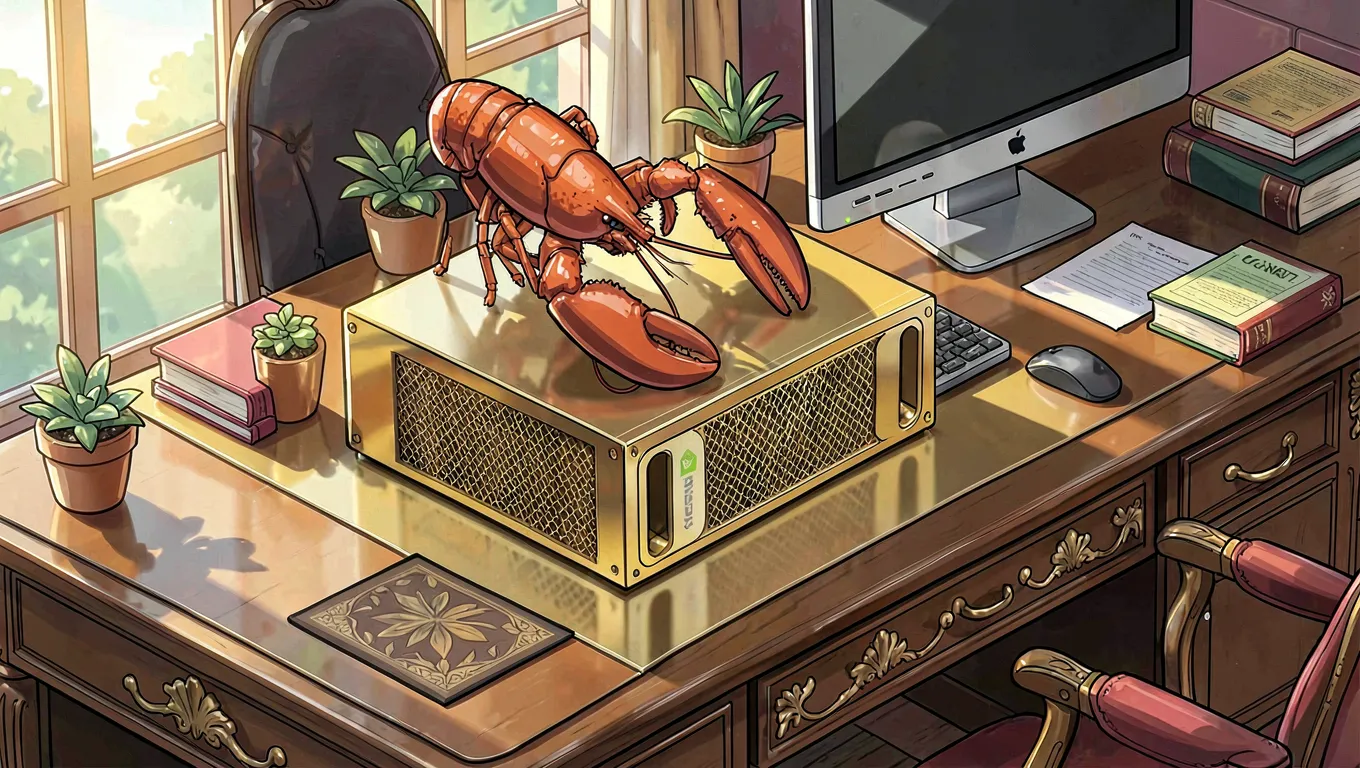
This article pulls back the curtain on my new AI-powered blog maintenance system built with OpenClaw — a multi-agent orchestration framework running entirely on my DGX Spark through Telegram. No cloud APIs, no paid services, just local LLMs and file-based communication doing the heavy lifting.
Let me show you how it works.
The Problem: A Blog That Needs Love (But Not Constant Manual Review)
My personal blog at briancaffey.github.io has 56 articles spanning from 2016 to 2026. Over time, they accumulate issues that I don't have the bandwidth to fix manually:
- Typos and grammar errors — slipped through during rushed writing sessions
- Broken links — external resources archived or moved
- Outdated versions — software references from years ago
- Missing security notes — best practices that should accompany technical tutorials
- Inconsistent formatting — across articles written at different times
I could fix these myself, but that means:
- Reading through 56 articles (hundreds of hours)
- Testing every code snippet to ensure it still works
- Manually creating and reviewing PRs for each change
That's not sustainable. I needed a system that could continuously monitor my blog and proactively suggest improvements. Enter OpenClaw.
The Solution: A Multi-Agent System with Specialized Roles
OpenClaw is designed around the principle of sequential orchestration — one agent at a time, working through tasks in an organized pipeline. For the blog cleanup project, I've set up three specialized roles:
1. Orchestrator Agent (Me - Klaw)
- Reads the task queue (
todo/blog-cleanup.md) - Assigns articles to review workers
- Manages context between sessions via file-based communication
- Creates PR branches and opens pull requests
Running on: DGX Spark, accessed through Telegram
2. Review Worker Agent
- Performs systematic article reviews using a standardized checklist
- Checks for: typos, broken links, code accuracy, outdated content, security issues
- Documents findings in structured review files (
todo/reviews/) - Prioritizes fixes by impact and urgency
Running on: DGX Spark, accessed through Telegram
3. PR Creation Agent
- Commits changes to git branches
- Creates pull requests with detailed descriptions
- Links back to the project task queue for tracking
Running on: DGX Spark, accessed through Telegram (same hardware!)
How It Works: The Review Pipeline
Here's what happens when I review an article:
Step 1: Article Selection
I pick an article from the task queue. For example, the NVIDIA NIM tutorial was chosen first because it's recent and technical (high priority for accuracy).
Step 2: Systematic Analysis
The Review Worker reads the entire article using our file-based context management system. No context overflow — everything is written to files (todo/reviews/) so each agent session stays lean.
The review checklist covers eight categories:
- Typos & Grammar (highest priority)
- Broken Links & References
- Code Accuracy & Completeness
- Outdated Content
- SEO & Metadata
- Logical Flow & Clarity
- Security Considerations
- Accessibility & Formatting
Step 3: Finding Issues
For the NVIDIA NIM article, we found:
- Typos: "get go through" → "go through", "caputres" → "captures"
- Security gap: No note about environment variables and credential handling
- Version drift: Kubernetes version shown would age quickly for readers
Step 4: Creating the PR
The PR Creation Agent commits fixes to a new branch (blog-cleanup/nvidia-nim-improvements) and opens pull request #8 with detailed descriptions of what changed and why.
Result: I reviewed it on GitHub, approved the changes, merged it — all in under an hour.
The Magic: Running Locally Through Telegram
Here's where this gets exciting: everything runs on my DGX Spark, accessed through Telegram. No cloud APIs. No paid services. Just local LLMs doing the work.
Hardware Setup
- DGX Spark — NVIDIA's compact AI workstation with GB10 chip
- Qwen3.5-35B-A3B (3 billion active parameters) — My primary model running via LM Studio
- 1 concurrent LLM request — The DGX Spark limitation that actually makes this system simpler
Why Telegram?
Telegram is my communication hub. I can:
- Start new review sessions with a single message
- Get status updates and PR links instantly
- Steer the project direction without leaving chat
- Keep everything in one place (messages, files, code)
No context switching. No juggling between IDEs, terminals, browsers. Just Telegram.
File-Based Communication: The Secret Sauce
The key to making this work is file-based state management. Instead of trying to pass massive context between agents (which would overflow tokens and lose focus), we use files as the "bus" that all agents read/write to.
Core Files
todo/
├── blog-cleanup.md          # Master task queue with 5 phases
├── blog-cleanup-inventory.md # Article inventory and categorization
└── reviews/
    ├── 2026-02-nvidia-nim-review.md
    ├── 2025-07-nuxt4-upgrade-review.md
    └── 2025-09-hnfm-review.md

TODO.md                      # Root-level project tracking (visible on GitHub)
Why This Works
- No context overflow — Each agent session stays focused and lean
- Persistent state — Reviews survive between sessions
- Human-readable — I can inspect findings without debugging logs
- Version controlled — All files tracked in git, review history preserved
What Kind of Improvements Am I Finding?
Let me show you the types of fixes OpenClaw is making:
Typos & Grammar (Most Common)
- "tha new
/appdirectory" → "the new/appdirectory" - "rarranged my folder to match watch" → "rearranged my folder to match what"
- "get go through" → "go through"
Impact: Small changes, but they matter for credibility. Readers notice when articles feel polished.
Security Best Practices (High Value)
Added a new section to the NVIDIA NIM tutorial:
## Security Best Practices & Disclaimers

**Security Note:** This tutorial uses environment variables for configuration, which is good practice. Never commit `.env` files with real credentials to version control. Use GCP IAM roles and service accounts for production deployments.
Impact: Helps readers avoid common security mistakes. Takes 5 minutes to write but saves hours of potential damage.
Version Disclaimers (Long-Term Value)
Added notes like:
"Note: The Kubernetes version shown (1.35.0) is current as of February 2026. Check GKE release notes for the latest versions."
Impact: Sets reader expectations about rapidly-changing cloud services. Article remains useful even as specific versions age.
The Results So Far (3 Articles, 3 PRs Merged!)
| Article | Priority | Fixes Made | Status |
|---|---|---|---|
| NVIDIA NIM on GCP | High | Typos + Security notes + Version disclaimer | ✅ Merged #8 |
| Nuxt 4 Upgrade | Medium | 2 typos fixed | ✅ Merged #9 |
| hnfm Hackathon Project | Critical | Completed cut-off sentence, formatting fixes | ✅ Merged #10 |
Time spent: ~30 minutes per article (including review and PR creation)
Manual effort: I only reviewed the PRs on GitHub. Everything else was automated through OpenClaw.
Why This Matters: Local AI for Real Work
I could have used an LLM API service to do this review work. But there are several reasons I chose local inference:
Cost
- Cloud APIs charge per token — reviewing 56 articles would add up quickly
- Local inference has zero marginal cost after hardware investment
Privacy
- No blog content leaves my machine
- No proprietary data sent to third-party services
- Full control over what gets processed
Ownership
- I own the models, the prompts, the workflow
- Can modify anything without API rate limits or terms of service constraints
- The system evolves with my needs, not a vendor's roadmap
Learning
- Running this locally forces me to understand how agents work
- File-based communication teaches state management patterns
- Debugging failures builds deeper intuition about LLM behavior
What's Next? (53 Articles Remaining!)
The systematic review is just getting started. Here's the plan:
Phase 1: Quick Wins ✅ Complete
- High-priority recent articles (2025-2026) with obvious issues
- Typos, missing links, version disclaimers
- Status: 3/56 complete
Phase 2: Deep Dives 🔄 In Progress
- Older articles from 2016-2018 that need major updates
- Django version migrations (1.x → 4.x)
- Code snippet verification (do commands still work?)
- Status: Starting now
Phase 3: Link Validation ⬜ Pending
- Automated link checking for all external references
- Archive.org snapshots for broken resources
- Updating or removing dead links
- Status: To be built
Phase 4: Image Generation ⬜ Planned
- Generate consistent header images using InvokeAI + Flux Krea
- Create visual branding for the cleanup series
- Add alt-text for accessibility
- Status: TODO — see below!
The TODO: Header Images
One thing I haven't done yet is generate custom header images for each article. This is on my next sprint:
### TODO: Image Generation System
- [ ] Set up InvokeAI integration with Flux Krea model
- [ ] Create image prompts based on article topics
- [ ] Generate 56 unique header images (one per article)
- [ ] Add alt-text for accessibility
- [ ] Update all articles with new images

**Estimated time:** 2-3 days of focused work
I'll write another article once this is done, showing the image generation pipeline and the results. For now, I'm using placeholders or leaving image: blank in front-matter.
How You Can Use This System
If you're running a blog (or any content repository) and want to apply similar automation:
1. Start with a Review Checklist
Define what "good" looks like for your content:
- Typos and grammar?
- Broken links?
- Outdated references?
- Security best practices?
2. Build File-Based State Management
Use files instead of trying to pass context between agents:
TODO.md— Active tasksreviews/— Review findings per articleinventory.md— Article metadata and status
3. Use Sequential Orchestration
One agent at a time, working through tasks in order. It's simpler than parallel systems and easier to debug.
4. Automate PR Creation
Use the GitHub CLI (gh) to create branches and open pull requests:
git checkout -b blog-cleanup/article-name-improvements
# ... make fixes ...
git push origin blog-cleanup/article-name-improvements
gh pr create --title "Blog cleanup: Fix in article name" --body "..."
5. Run Locally When Possible
If you have the hardware, run inference locally for cost savings and privacy. DGX Spark is great for this, but even a single RTX 4090 can handle Qwen3.5-35B at reasonable speed.
Tools & Technologies Used
| Component | Technology | Purpose |
|---|---|---|
| Framework | OpenClaw | Multi-agent orchestration system |
| Model | Qwen3.5-35B-A3B (3B active params) | Primary LLM for review and PR creation |
| Inference | LM Studio | Local model serving on DGX Spark |
| Hardware | DGX Spark | Compact AI workstation with GB10 chip |
| Communication | Telegram | Access point to all agents (no context switching) |
| Version Control | Git + GitHub | PR workflow and change tracking |
| CLI Tool | gh | Create branches, open pull requests from terminal |
Final Thoughts: AI as a Collaborative Partner
This blog cleanup project isn't about replacing human review — it's about augmenting my capabilities. OpenClaw does the tedious work of reading through articles and finding issues. I do the final approval on GitHub, where I have full context and can make judgment calls.
The result:
- Higher quality content (typos fixed, security notes added)
- Better long-term value (version disclaimers keep articles relevant)
- More time for writing new content instead of maintenance
- A system that scales as my blog grows
This is what local AI can do: not just chat or generate text, but actually work alongside you on real projects. No cloud APIs. No monthly fees. Just your hardware, your data, and your goals.
What Do You Think?
I'd love to hear feedback:
- Is this the kind of transparency helpful for readers?
- Should I write more "behind the scenes" articles like this one?
- Any suggestions for improvements to the OpenClaw system itself?
Drop a comment below or reach out on Twitter/X. The blog cleanup is ongoing — there's always room for iteration!
This article was reviewed and improved using OpenClaw, just like all my other content now. See todo/blog-cleanup.md to follow along with the project.